
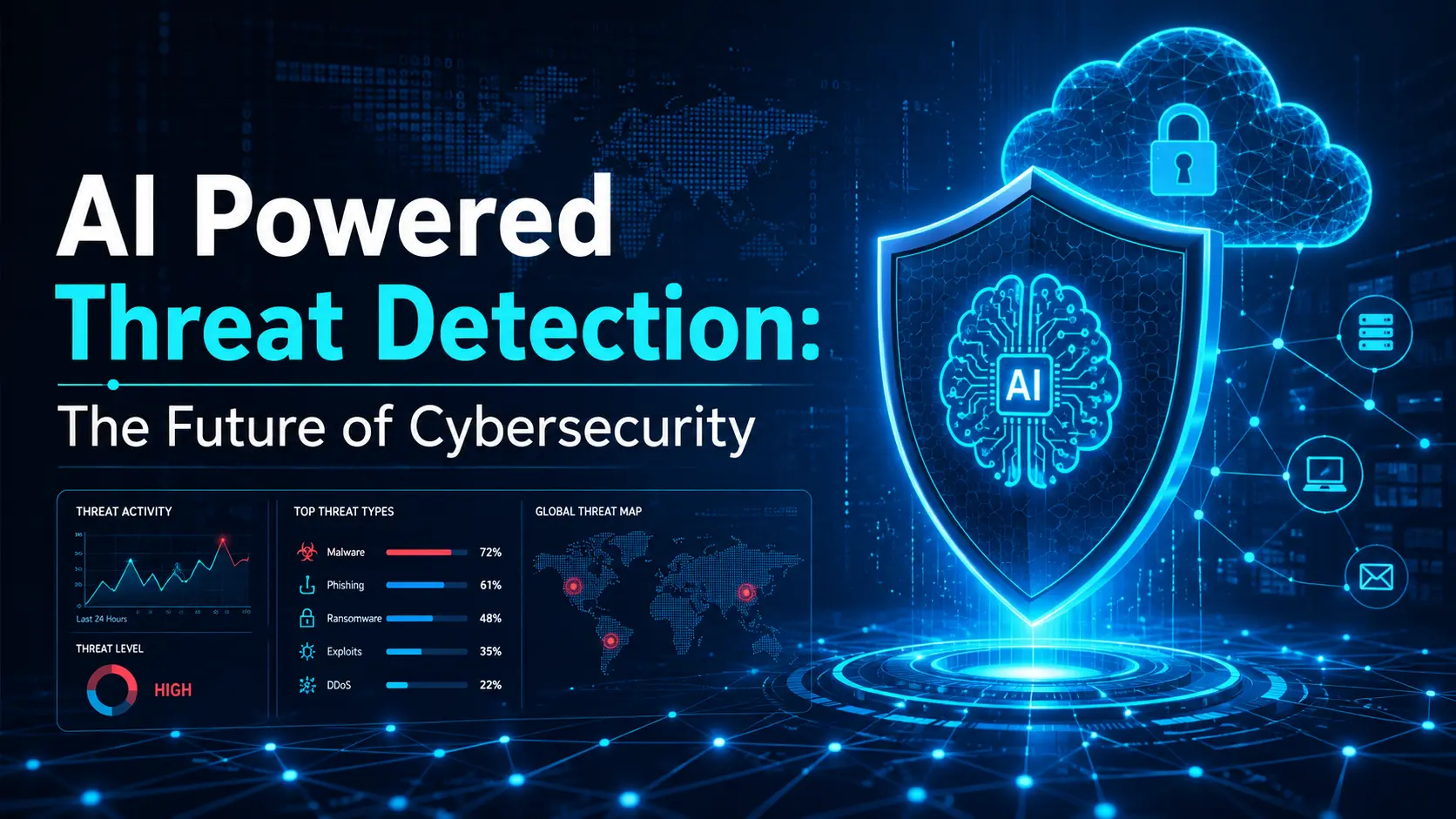
AI powered threat detection uses artificial intelligence and machine learning to analyze security activity and find behavior that may point to a cyberattack. It can review large amounts of security data from users, devices, networks, applications, and cloud systems.
The main purpose is to help security teams find suspicious activity faster and decide which events need attention. AI does not make every security decision on its own. It supports analysts by finding patterns, connecting events, and reducing the amount of data they need to review manually.
What Is AI-Powered Threat Detection?
AI-powered threat detection is the use of AI to identify activity that may indicate a security threat. The system analyzes security events, user behavior, network activity, endpoint data, and other signals to look for known threats or unusual patterns.
Unlike tools that depend only on fixed rules, AI-based systems can also compare current activity with normal behavior. This can help security teams find new or changing threats that do not exactly match an existing rule..

How Does AI-Powered Threat Detection Work?
AI threat detection usually starts by collecting data from different security systems. The system then analyzes that information to understand normal activity and identify events that may require investigation.
The exact process depends on the AI threat detection platform, but most systems use some combination of data collection, behavioral analysis, anomaly detection, risk scoring, and alerting.
Collecting Security Data
AI systems need useful data before they can detect threats. This may include security logs, login activity, network traffic, endpoint events, cloud activity, email data, and application events. The quality and coverage of this data affect the quality of the detection.
Learning Normal Behavior
The system can create a behavior baseline by looking at normal activity over time. For example, it may learn when a user normally signs in, which applications they use, and what devices they usually connect from. Changes from this normal pattern do not automatically mean an attack has happened, but they can provide useful risk signals.
Detecting Anomalies and Suspicious Patterns
AI anomaly detection in cybersecurity looks for activity that is different from expected behavior. Examples may include an unusual login location, a sudden increase in file access, unexpected administrator activity, or a device communicating with systems it does not normally use.
Assigning Risk Scores
Some AI systems assign a risk score based on the signals connected to an event. A single failed login may matter little, while repeated login failures followed by unusual account activity may receive a higher score.
Alerting Security Teams
When the system finds activity that meets its detection rules or risk level, it creates a security alert. The alert may include the affected user, device, application, related events, and the reason the activity was flagged.
AI-Powered Threat Detection vs Traditional Threat Detection
Traditional threat detection often depends on known signatures and fixed rules. These methods are still useful for finding malware, IP addresses, files, or activity that matches a known threat.
Traditional threat detection | AI Powered threat detection |
Often uses fixed rules | Can analyze changing behavior |
Strong at finding known threats | Can help identify unusual activity |
| Depends heavily on known patterns | Can compare activity with a normal baseline |
| Rules usually require manual updates | Models can analyze new data continuously |
| Reviews events individually | Can correlate activity from different sources |
AI does not make traditional tools unnecessary. In many environments, rule-based and AI-based detection work together.
What Technologies Are Used in AI Threat Detection?
Different AI systems use different methods. Common technologies include machine learning, behavioral analysis, anomaly detection, language analysis, and threat intelligence.
Machine Learning
Machine learning threat detection uses models to find patterns in security data. These models can classify activity, compare current behavior with previous data, and identify events that may need investigation.
Behavioral Analytics
Behavioral analytics looks at how users, devices, and systems normally behave. For example, if an employee normally accesses a small group of files but suddenly downloads a large amount of sensitive data, the activity may receive additional review.
Anomaly Detection
Anomaly detection identifies activity that falls outside an expected pattern. An anomaly is not automatically a threat. It is a signal that may require more context before the security team decides what happened.
Natural Language Processing
Natural Language Processing, or NLP, helps systems analyze text. In cybersecurity, it may be used to review email content, messages, threat reports, and other text-based information for suspicious language, phishing patterns, or useful threat details.
Threat Intelligence
AI-powered threat intelligence can help organize and compare information about known threats. This may include malicious domains, IP addresses, file indicators, attack methods, and other indicators of compromise. Threat intelligence adds context that can help analysts understand an alert.
What Cyber Threats Can AI Help Detect?
AI can support detection across several parts of an IT environment. What it can detect depends on the data sources and security tools connected to the system.
Malware & Unknown Threats
AI can analyze how a file or process behaves instead of relying only on a known malware signature. Suspicious activity such as unexpected process changes, unusual file access, or abnormal network communication may help identify previously unknown threats.
Phishing & Email Threats
AI threat detection for email security can analyze sender details, message content, links, attachments, and communication patterns. It can help identify phishing emails that do not exactly match a previously known campaign.
Account Compromise
AI can look for changes in normal account behavior. Examples include unusual login locations, new devices, unexpected administrator actions, or access to systems the account does not normally use.
Insider Threats
Behavioral analysis can help identify unusual activity from legitimate accounts. This does not prove that an employee is acting maliciously. The alert gives the security team a reason to review the activity in context.
Suspicious Network Activity
AI can analyze network traffic and look for unexpected communication between devices and systems. This may help identify lateral movement, unusual outbound connections, or communication patterns linked to compromised systems.
Cloud Threats
AI threat detection for cloud security can analyze user activity, workload behavior, configuration changes, API calls, and cloud access. This can help identify compromised identities, suspicious workload activity, or unexpected changes inside cloud environments.
What Is AI-Powered Threat Detection and Response?
AI powered threat detection and response combine threat identification with actions that help security teams investigate or contain a possible attack. AI can organize alerts, connect related events, provide context, and trigger approved response actions. High-impact decisions should still have clear controls and human oversight.
Alert Prioritization
AI can rank alerts based on risk, affected assets, user behavior, and related security events. This helps analysts focus on higher-risk activity instead of reviewing every alert in the order it arrives.
Automated Investigation
AI can connect related events from different systems and build a clearer view of what happened. For example, it may connect a suspicious login with endpoint activity and unusual cloud access linked to the same account.
Threat Containment
Some systems can take approved threat containment actions when specific conditions are met. These actions may include blocking a session, disabling an account, isolating an endpoint, or stopping communication with a known malicious destination.
Human Review and Escalation
AI should not make every security decision without review. Security analysts are still needed to understand business context, confirm serious incidents, approve sensitive response actions, and investigate cases where the evidence is unclear.
How AI Helps Reduce False Positives in Threat Detection
A false positive happens when normal activity is incorrectly flagged as a threat. Too many false positives can create alert fatigue and waste analyst time.
AI can help by comparing an event with user behavior, device activity, threat intelligence, and other security data before raising its priority. It can reduce unnecessary alerts, but it cannot eliminate false positives.
AI-Powered Threat Detection for Cloud and Container Workloads
Cloud workloads can change quickly, which makes continuous visibility important. AI powered threat detection for cloud security can analyze workloads, containers, service activity, and cloud events for unusual behavior.
Cloud Workload Monitoring
Cloud workload monitoring looks at how applications and virtual machines behave while running. AI can help find unusual processes, unexpected connections, or changes in normal workload activity.
Container Threat Detection
An AI-powered container threat detection platform can monitor container activity for suspicious processes, unusual network connections, unexpected file changes, and other abnormal behavior.
Kubernetes and Runtime Activity
In Kubernetes environments, AI can help analyze pod, cluster, workload, and runtime activity. Unexpected privilege changes, unusual workload communication, or suspicious process activity may require investigation.
Service and Workload Behavior
Cloud applications often use many services that communicate with each other. AI can help build a normal pattern for this activity and identify unusual service-to-service communication or workload behavior.
How AI-Powered Email Threat Detection Works
AI-powered email detection analyzes more than individual words in a message. It can review sender behavior, message structure, links, attachments, and communication patterns.
Phishing Detection
AI can compare an email with known phishing patterns and normal communication behavior. It may flag messages that attempt to steal credentials, impersonate a trusted person, or direct users to suspicious websites.
Sender and Behavior Analysis
A message may look normal while the sender’s behavior is unusual. AI can compare the sender, domain, communication history, and message activity to identify possible impersonation or account compromise.
Suspicious Links and Attachments
AI-based email tools can inspect links and attachments for unusual or malicious behavior. This can add another layer of analysis when a threat does not match a known signature.
Why Email Threat Detection and Firewalls Serve Different Purposes
The query “AI-powered email threat detection vs. traditional firewall approaches” should be explained carefully because these tools protect different areas. Email threat detection focuses on messages, senders, links, and attachments. A firewall mainly controls network traffic based on security rules. One does not directly replace the other.
How AI Supports SOC and Security Teams
AI can support a Security Operations Center (SOC) by reducing repetitive work and helping analysts understand large amounts of security data.
Alert Triage
AI can organize and filter alerts before an analyst reviews them. This helps security teams spend less time on low-value events.
Threat Prioritization
Threat prioritization uses information such as severity, affected systems, identity, and other security signals. A high-risk alert involving an administrator account may need faster attention than a low-risk event on a test system.
Investigation Support
AI can collect related events and present them together. This gives analysts a clearer starting point when investigating a possible incident.
Automated Response Workflows
Approved response workflows can automate repetitive actions such as collecting logs, opening an incident ticket, blocking an indicator, or isolating a device. Sensitive actions should still follow company approval rules.
Benefits of AI-Powered Threat Detection
One benefit of AI powered threat detection is its ability to review large amounts of security information faster than a person can review it manually. It can connect events across identities, endpoints, networks, cloud systems, and applications.
It can also help with alert prioritization, behavioral analysis, and continuous AI security monitoring. These benefits depend on data quality, system configuration, and how well the technology fits the organization’s environment.
Limitations of AI-Powered Threat Detection
AI improves security analysis, but it has limits. The quality of its results depends on the data, model, configuration, and security processes around it.
Poor or Incomplete Security Data
AI cannot analyze events that it cannot see. Missing logs, disconnected systems, or low-quality data can reduce detection accuracy.
False Positives and False Negatives
A false positive marks safe activity as suspicious. A false negative happens when a real threat is missed. Both need to be tracked when evaluating an AI detection system.
Model Drift
Normal business activity changes over time. A model that worked well months ago may become less accurate if user behavior, applications, devices, or cloud systems change significantly.
Lack of Explainability
Security teams need to understand why an alert was created. A detection system that gives a risk score without useful context can make investigation harder.
Over-Reliance on Automation
Automation can save time, but it should not replace judgment in every situation. High-impact actions such as disabling important accounts or stopping critical business systems may need human approval.
Why Does Human Review Still Matter in AI Threat Detection?
AI can identify patterns, but it does not always understand the full business situation. A security analyst can review context, confirm whether an alert represents a real threat, understand the possible impact, and decide which response is appropriate. Human review is especially important for unusual or high-impact events.
How to Evaluate an AI Threat Detection Platform?
An organization should evaluate an AI threat detection platform based on how well it works with its own security environment. A product with many AI features is not automatically the right choice.
The platform should provide useful detections, clear evidence, suitable integrations, and enough control over automated actions.
Security Data Coverage
Check which data sources the platform can analyze. A platform may need access to endpoint, identity, network, cloud, email, and application data depending on the environment.
Detection Accuracy
Evaluate whether the platform identifies useful threats without missing too much suspicious activity. Testing should use situations that match the organization’s actual environment.
False-Positive Rate
A high false-positive rate creates unnecessary work for analysts. Check whether detections can be tuned without hiding real security problems.
SIEM, EDR, and XDR Integration
The platform should connect with the security tools already in use. Useful integrations can make investigation and response easier because analysts do not need to move between disconnected systems.
Automated Response Controls
Review which actions the platform can perform automatically and how those actions are controlled. The organization should be able to set approval requirements for sensitive actions.
Explainable Alerts
An alert should explain why the activity was considered suspicious. Useful evidence helps analysts make faster and more accurate decisions.
Human Approval Options
Look for options that allow security teams to require human approval before high-impact actions are taken. This keeps automation useful without giving it unnecessary control.
How Do You Measure AI Threat Detection Performance?
AI threat detection should be measured using practical security metrics. Useful measures include detection accuracy, false-positive rate, false-negative rate, mean time to detect (MTTD), investigation time, and mean time to respond (MTTR).
The most useful metrics depend on the organization’s security goals. A SOC may focus heavily on alert quality and investigation time, while a smaller security team may care more about reducing unnecessary alerts and finding serious incidents earlier.
How CyberZeals Can Support Threat Detection and Response
CyberZeals can help businesses review the security controls and data sources used for threat detection and response. This may include endpoint, network, identity, application, and cloud security controls.
Depending on the environment, the work may include cybersecurity services assessments, vulnerability assessments, penetration testing services, security monitoring, and security consulting. The purpose is to find detection gaps and improve how security events are identified, reviewed, and handled.
FAQs
Can AI Detect Threats That Traditional Security Tools Miss?
Yes, AI-powered threat detection can identify unusual behavior that may not match a known signature, although it can still miss real threats.
Does AI Threat Detection Replace Security Analysts?
No, AI supports security analysts with analysis and automation, while people are still needed for investigation, context, and important response decisions.
Can AI Threat Detection Reduce False Positives?
Yes, AI can use behavioral analytics, risk signals, and event correlation to reduce some false positives, but it cannot remove them completely.
Is AI Threat Detection Useful for Cloud Security?
Yes, AI threat detection for cloud security can monitor cloud identities, workloads, configurations, API activity, and other cloud events for unusual behavior.
Can AI Detect Threats in Containers?
Yes, an AI-powered container threat detection platform can monitor runtime activity, processes, network connections, and workload behavior for suspicious changes.
Can AI-Powered Email Threat Detection Replace a Firewall?
No, AI-powered email threat detection protects email activity, while a firewall mainly controls network traffic, so they serve different security purposes.