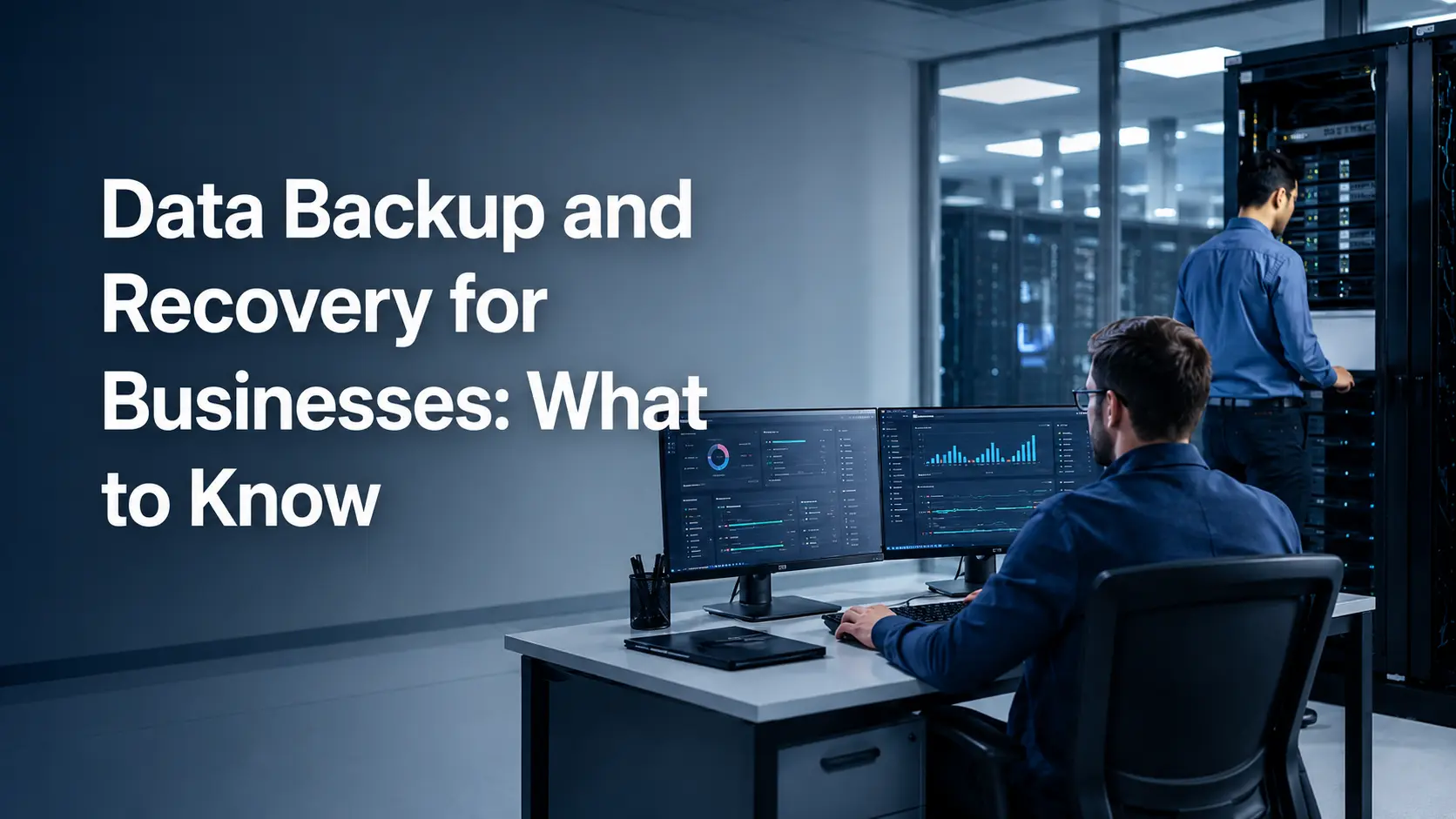
Business data backup is only useful if the data can actually be restored when something goes wrong. A successful backup job does not guarantee that an application, database, server, or SaaS environment can be recovered within the time the business needs. In 2026, an effective data backup and recovery strategy must go beyond storage and consider ransomware resilience, immutable recovery copies, cloud and SaaS workloads, RTO, RPO, access controls, retention, and recovery testing.
CISA recommends keeping offline and encrypted backups and testing them regularly because ransomware can target accessible backup copies. This guide explains how businesses can build a practical backup and recovery strategy around real recovery requirements instead of relying on backup software alone.
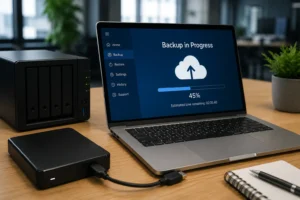
What Businesses Need to Know About Data Backup and Recovery in 2026
The biggest change in business backup is not simply the move from local storage to the cloud. It is the shift from asking, “Did the backup complete?” to asking, “Can we recover the business from it? These questions affect backup frequency, storage architecture, security controls, recovery cost, and the technology a business should use.
Businesses also need to consider data outside traditional servers. Microsoft 365, Google Workspace, cloud applications, SaaS platforms, virtual machines, databases, infrastructure configurations, and cloud-native workloads can all contain information required to operate. Microsoft’s current shared-responsibility guidance, for example, states that customers retain responsibility for their data, data protection decisions, identities, and configurations even when using cloud services.
What Is Data Backup and Recovery?
Data backup is the process of creating additional copies of business data, systems, or workloads so information can be restored after deletion, corruption, hardware failure, cyberattack, or another disruptive event.
Data recovery is the process of retrieving those protected copies and returning the required data or systems to a usable state.
Data backup and recovery services help businesses protect important information and restore it when data is lost, damaged, or affected by a system failure or cyberattack. Data backup creates protected copies, while data recovery brings those copies back into a usable state so business operations can continue.
Why Business Backup and Recovery Matters in 2026
Unexpected downtime can stop employees from working, interrupt customer access, and lead to lost revenue. It can also create compliance problems when important business data is unavailable, damaged, or not properly protected. A strong backup and recovery plan helps businesses reduce these risks and restore critical systems when something goes wrong.
A Business Impact Analysis (BIA) helps identify which systems, applications, and data are most important to daily operations. This makes it easier to decide what should be recovered first and how quickly recovery needs to happen.
Common risks businesses should prepare for include:
- Hardware or system failures that interrupt normal operations.
- Human errors such as accidental deletion or incorrect changes.
- Cyberattacks, data corruption, and third-party service disruptions.
Key Data Backup and Recovery Trends in 2026
Many technologies are changing how businesses approach backup, but the most useful developments are those that improve recoverability, security, or operational control.
Immutable Backups
Hackers often try to attack backup files so businesses cannot recover their data. Immutable backups are protected copies that cannot be changed or deleted for a set period of time. Businesses can also keep some backups offline or separate from the main network for extra protection.
Cloud-Based Backup and Recovery
Cloud backup gives businesses flexible storage that can grow as their data grows. It also makes it easier to store copies in different locations and restore data when needed. Businesses should still plan storage carefully so backup and recovery costs stay under control.
SaaS Backup
Many businesses think cloud platforms automatically protect all of their data, but this is not always the case. Companies are still responsible for protecting important data stored in services such as Microsoft 365, Google Workspace, and other SaaS applications. A separate SaaS backup can provide another recovery option if data is deleted, changed, or lost.
AI-Assisted Backup Monitoring
AI can help monitor backup systems and spot unusual activity. It may detect failed backup jobs, sudden file changes, unusual deletions, or signs of ransomware. This helps IT teams respond faster and check possible problems before they affect recovery.
Hybrid and Multi-Cloud Data Protection
Many businesses use a mix of on-premises systems and different cloud platforms. A hybrid or multi-cloud backup strategy helps protect data across these environments from one plan. It can also provide more recovery options if one system, provider, or cloud region becomes unavailable.
RTO and RPO: Define Your Recovery Requirements First
RTO and RPO should be established before choosing a backup platform.
Recovery Time Objective (RTO)
It defines how long a system can remain in recovery before the disruption begins to create unacceptable business impact. NIST describes RTO as the length of time system components can remain in recovery before negatively affecting mission or business processes.
Recovery Point Objective (RPO)
It defines the point in time to which data needs to be recovered after an outage.
The 3-2-1-1-0 Backup Strategy Explained
The traditional 3-2-1 backup rule recommends maintaining the following:
- 3 copies of important data
- on 2 different types of storage
- with at least 1 copy stored off-site
A commonly used modern extension is the 3-2-1-1-0 strategy.
The additional elements are:
- 1 offline, air-gapped, or immutable recovery copy
- 0 undetected recovery errors after backup verification
What Business Data Should You Back Up?
The right backup scope depends on what the organization needs to continue operating.
Servers and Virtual Machines
Physical servers and virtual machines may contain applications, operating systems, business data, configurations, or infrastructure services.
Protection may include:
- Image-level backup.
- VM snapshots where appropriate.
- System state.
- Application data.
- Configuration.
- Bare-metal recovery information.
VMware and Hyper-V environments should be reviewed at both the virtual-machine and application level. Recovering a VM is useful only if the services running inside it can also return to an operational state.
Databases and File Systems
Databases often require different protection methods from ordinary files.
Businesses should consider the following:
- Application-consistent backups.
- Transactional consistency.
- Point-in-time recovery.
- Backup frequency.
- Log protection.
- Database dependencies.
File systems may require simpler recovery, but data classification still matters. Frequently changed operational files may need a different backup schedule from long-term archives.
Cloud Workloads
AWS, Azure, and Google Cloud workloads may include:
- Virtual machines.
- Managed databases.
- Object storage.
- Application services.
- Configuration data.
Cloud availability does not eliminate customers’ responsibility for appropriately protecting workloads. Backup plans should consider region failure, accidental deletion, credential compromise, retention, snapshots, cross-region copies, and whether the workload can be rebuilt elsewhere.
Microsoft 365 and Google Workspace
Productivity platforms can contain large amounts of operational business information.
Protection requirements may include:
- Mailboxes.
- SharePoint sites.
- OneDrive.
- Microsoft Teams data.
- Gmail.
- Google Drive.
- Shared drives.
Businesses should review built-in retention alongside business-specific requirements for point-in-time recovery, long-term retention, legal obligations, or independent recovery copies.
Business Applications and SaaS Data
CRM, ERP, finance, HR, project management, and industry-specific SaaS platforms can contain business-critical data.
For each application, determine:
- Who is responsible for backup?
- What recovery features does the vendor provide?
- How long is deleted information retained?
- Whether point-in-time restoration is available.
- Whether exports are sufficient.
- What happens if an administrator deletes data?
- Whether independent backup is required.
Do not assume SaaS automatically means the vendor owns every aspect of data protection.
System Configurations and Infrastructure Code
Recovery often fails because the organization protects its data but not the information required to rebuild the environment.
Backup scope may therefore include the following:
- Firewall configurations.
- Network configurations.
- Infrastructure-as-code files.
- Terraform templates.
- Deployment scripts.
- System configurations.
- Application configuration.
- Automation scripts;
- Documentation.
CISA recommends maintaining items such as system images and other materials required to rebuild critical systems as part of ransomware preparedness.
Managed Backup vs In-House Backup Management
Businesses can choose between managed backup vs. in-house backup depending on their IT resources, expertise, and recovery needs. Neither model is automatically better; the right choice depends on how much control, monitoring, support, and internal management the business requires.
Managed backup | In-house backup |
| Direct internal control | |
| Useful where IT resources are limited | Works well with experienced internal teams |
A provider can assist with recovery | Recovery remains internal responsibility |
Ongoing service cost | Internal staffing and platform cost |
| SLA-driven support may be available | Support depends on internal availability |
| Can reduce routine administration | Greater customization and direct ownership |
How to Choose a Business Backup and Recovery Solution
Choose a backup and recovery solution based on what your business actually needs to protect and how quickly important systems must be restored. Make sure the platform supports your main workloads, such as servers, virtual machines, databases, cloud platforms, Microsoft 365, Google Workspace, and other SaaS applications. It should also match your RTO and RPO requirements, support secure recovery testing, and provide protection such as immutable backups, encryption, MFA, access controls, and isolated recovery copies.
You should also look beyond the basic subscription price. Check retention options, compliance requirements, support quality, recovery costs, storage charges, and any data-transfer fees. A good solution should be easy to manage during normal operations and dependable when a real recovery is needed.
Key points to compare include:
- Workload and platform support.
- RTO and RPO capabilities.
- Immutable and secure backup options.
- Recovery testing and restore validation.
- Retention and compliance controls.
- Total storage and recovery costs.
- Technical support, response times, and SLAs.
Common Data Backup and Recovery Mistakes
Several mistakes repeatedly weaken business recovery plans.
Keeping only one recovery copy
One backup location creates a single point of failure.
Keeping every copy inside the same environment
A security compromise or site-level incident may affect production and backups together.
Never testing restoration
A successful backup job does not prove that systems can be recovered.
Failing to define RTO and RPO
Without recovery targets, backup frequency and architecture are largely guesswork.
Ignoring SaaS data
Critical business information may exist outside traditional infrastructure.
Using the same privileged accounts everywhere
Credential compromise can spread into the recovery environment.
Failing to use immutable or isolated recovery copies
Accessible backups may be affected by the same attack as production.
Backing up data but not application dependencies
Applications may require identity, DNS, networking, databases, certificates, and configuration to recover successfully.
Allowing documentation to become outdated
Recovery procedures need to change when systems, people, platforms, or network configurations change.
Assuming more backups automatically mean better protection
Backup quality depends on recoverability, security, retention, and testing—not copy count alone.
How CyberZEALS Supports Data Backup and Recovery
CyberZEALS provides data backup and disaster recovery services for organizations that need help planning, monitoring, and validating their recovery environment.
Its current backup and recovery offering includes workarounds for backup architecture, incremental and automated backups, cloud and on-premises protection, RTO/RPO planning, backup health monitoring, restore testing, material recovery sequencing, and support for hybrid environments.
Frequently Asked Questions
1. How long should a business keep backups?
It depends on the type of data and business needs. Important records may need to be kept for months or years.
2. What business data should be backed up first?
Start with critical data such as customer records, financial files, databases, emails, and important business applications.
3. Can a backup still fail during recovery?
Yes. A backup may complete successfully but still have problems during restoration. Regular recovery testing helps find these issues early.
4. Should backups be stored in different locations?
Yes. Keeping backups in more than one location reduces the risk of losing all copies during an outage, cyberattack, or hardware failure.
5. Why does a business need a recovery plan?
A recovery plan tells the team what to restore first, who is responsible, and what steps to follow when systems or data are lost.
If you need help regarding business data recovery help then call us on +1 888 533 0044 or contact us now and get in touch with us.